For novelists · Windows · Early access $49

See your whole novel on one board.

Buy it once. Your story lives in your files, on your machine — not on our servers.

The demo runs in your browser — no signup, no install, nothing tracked.
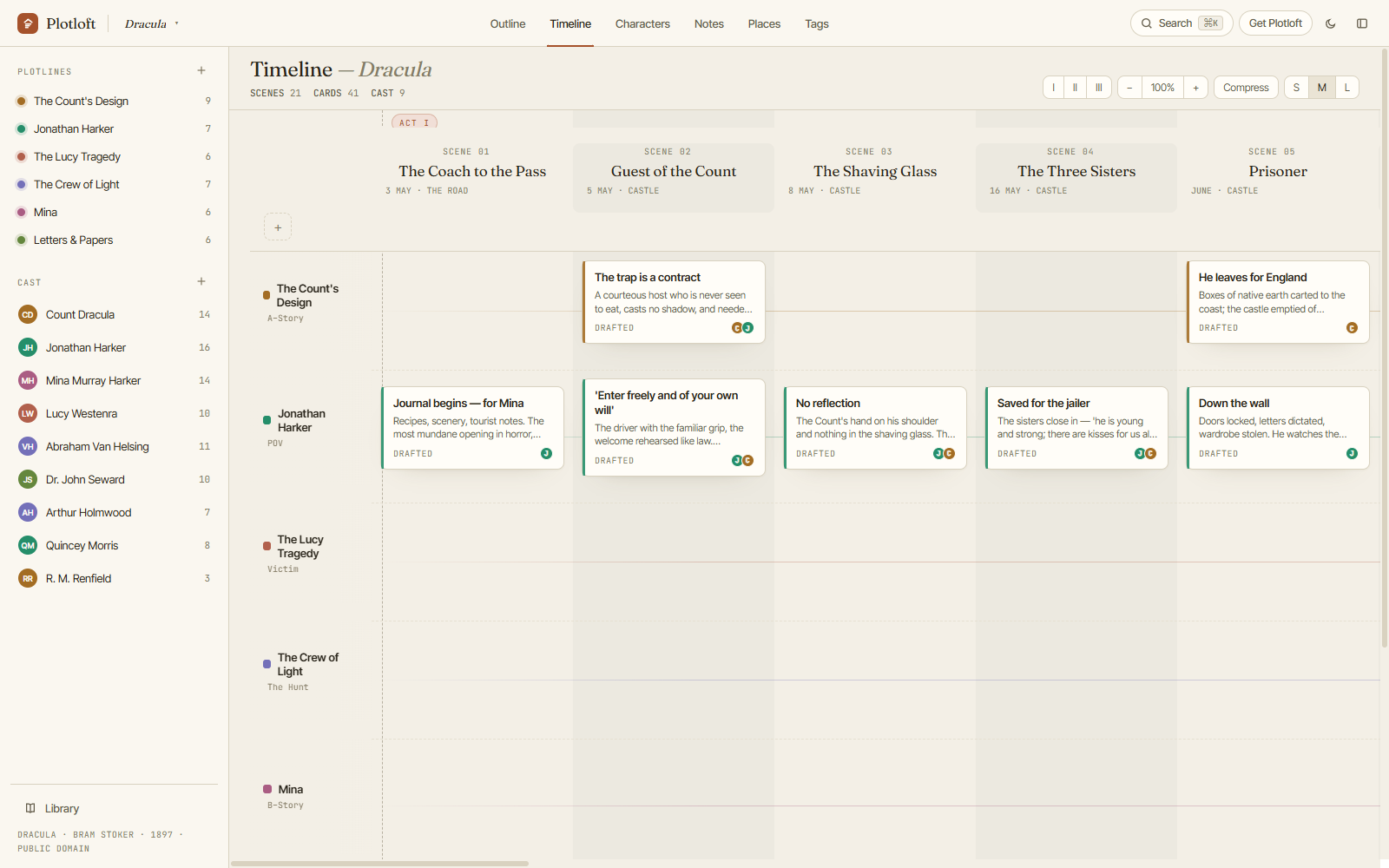
The Plotloft timeline: scene columns with dated stamps, six colored plotlines, and drag-and-drop beat cards — showing Bram Stoker's Dracula plotted as a board.
Bram Stoker's Dracula on the Plotloft timeline — open this exact board in the demo.
The board

Plotlines across, scenes down, beats where they cross.

Every plotting view reads the same living outline — move a beat on the timeline and it moves in the outline, the character pages, the tag index. Nothing to sync, because there's only one story.

A timeline that loves being rearranged

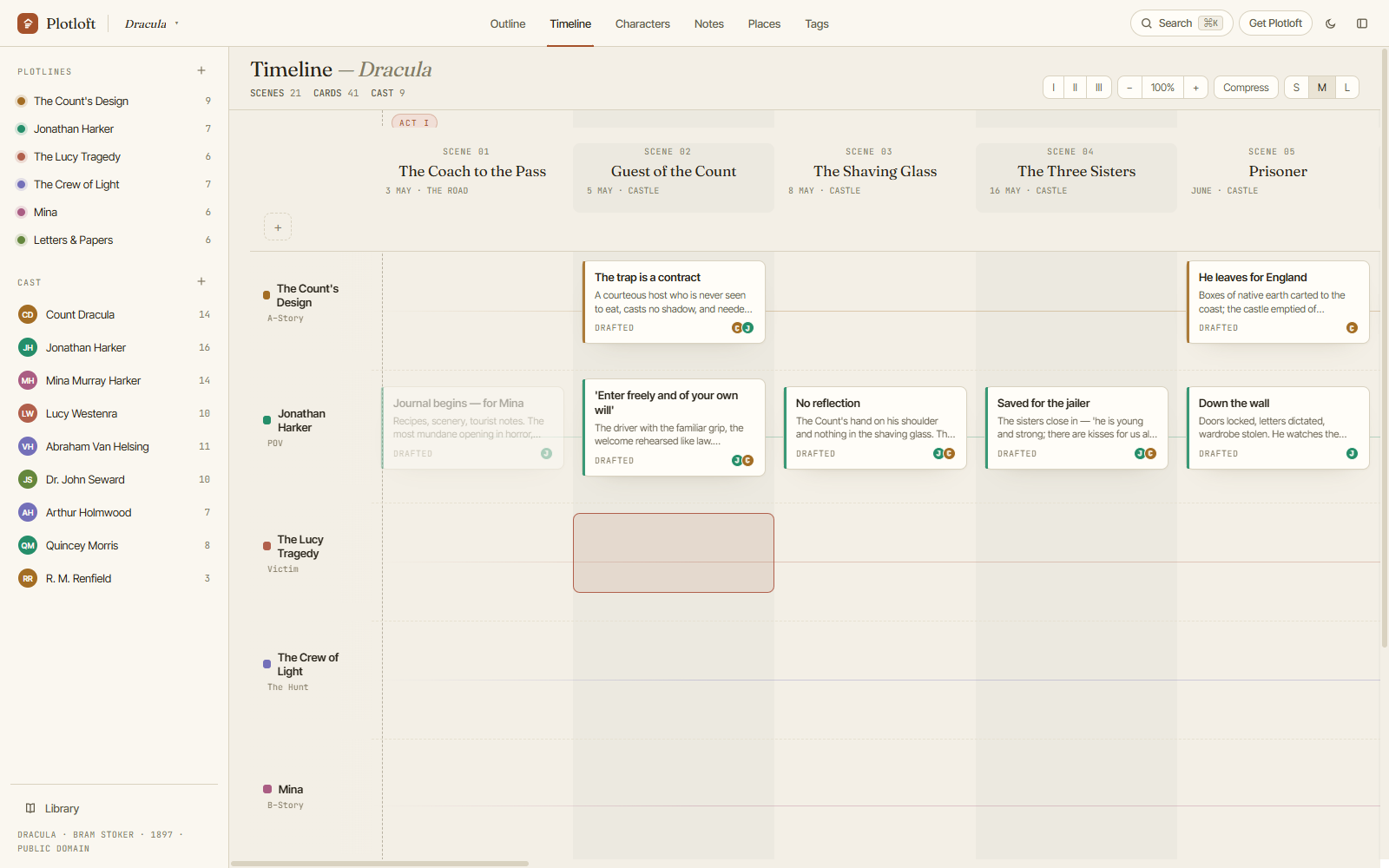
Drag beats between scenes and plotlines. Drag whole scenes — even multi-selected blocks — and the acts renumber themselves. Plotting is re-plotting; the board is built for the tenth reshuffle, not the first draft.

Dragging a beat card between plotline rows on the timeline.

A cast that knows itself

Characters carry the attributes you define — wants, fears, arc stages, anything. Relationships are labeled in both directions, and every character page lists the scenes they appear in, computed straight from the board.

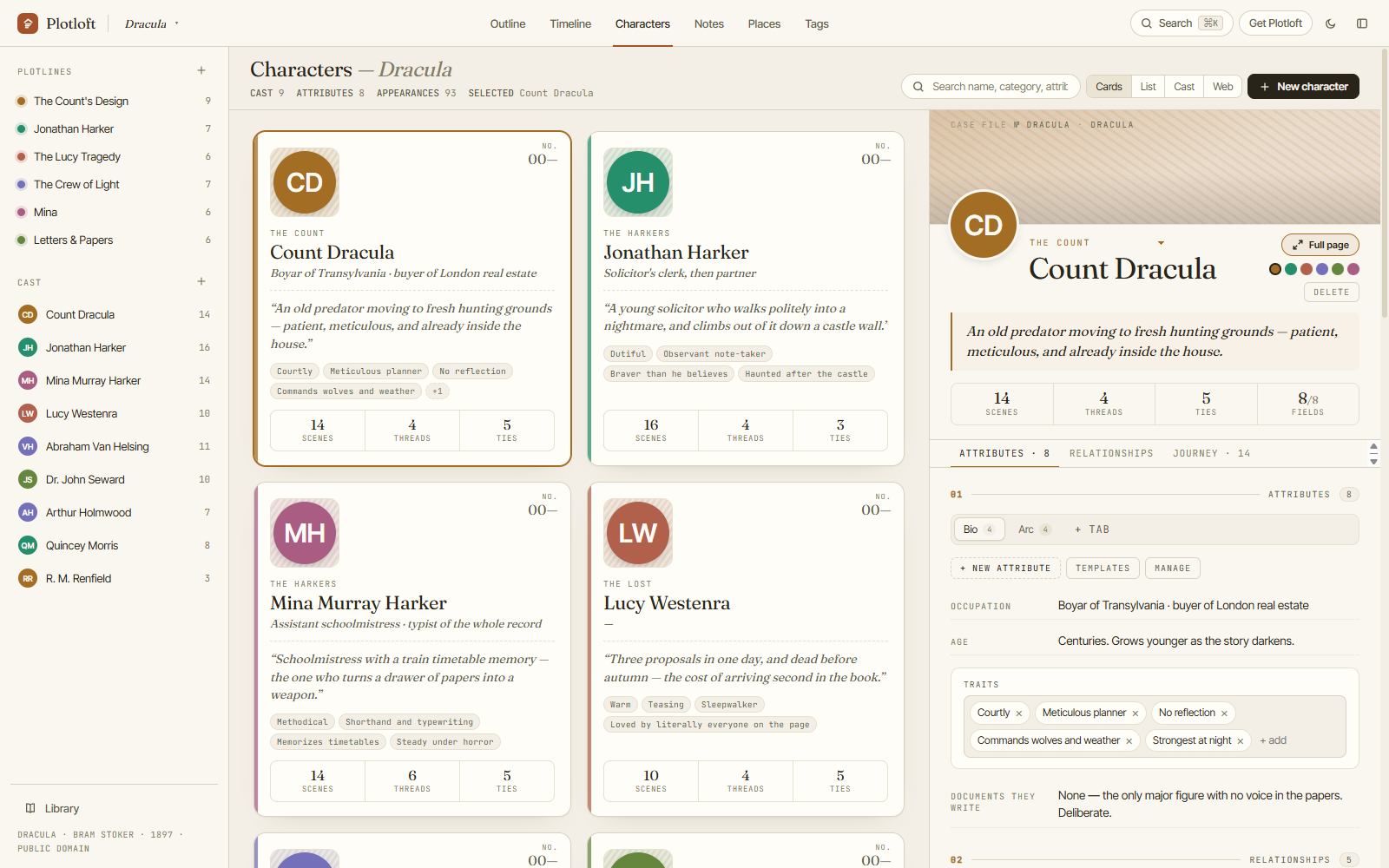
The characters view: profile cards with taglines, categories, and a relationship web.

Notes, places, tags — the connective tissue

Pin the rules of your magic system. Give every location a dossier. Tag beats by theme and see every thread's spine at a glance. Search all of it with one keystroke.

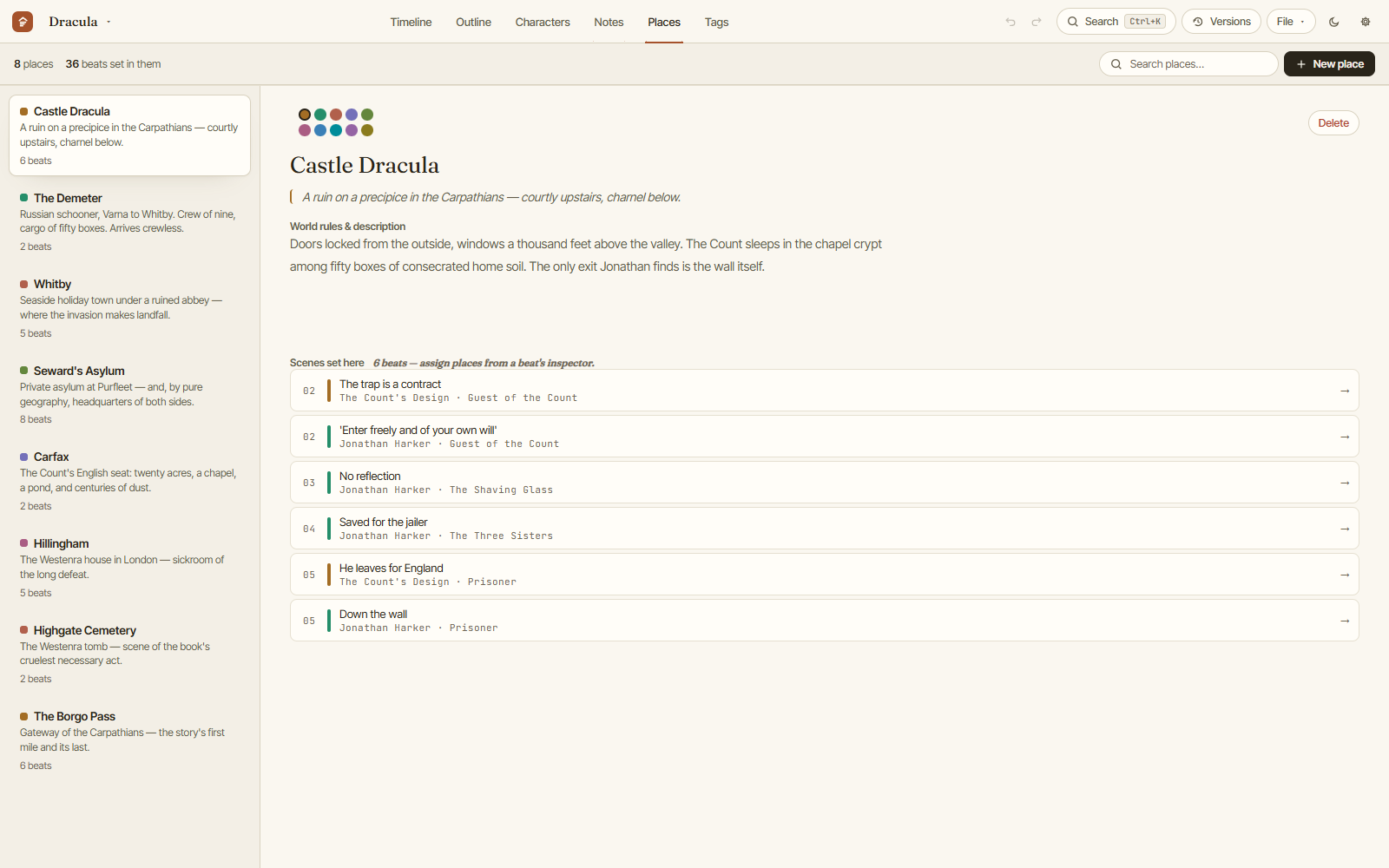
Pinned project notes alongside the places index.
Your files, your machine

The part where we brag about what we don't do.

📄

Plain files, not a cloud

Each project is a portable .plotloft file in your Documents folder — readable JSON, yours to back up, version, or sync with any Dropbox-style folder you already use.

🔌

Fully offline

No account. No signup. No telemetry. Plotloft doesn't have a server to phone home to — the app works identically on a train, a plane, or a cabin with no Wi-Fi.

🕰️

Backups you can see

Rolling local backups on every writing session, plus named draft snapshots whenever you want to try the brave version of Act 2. Your novel never has a single point of failure.

The demo

Browse Dracula, plotted. Then rewrite it.

We boarded Bram Stoker's Dracula — 21 dated scenes, six plotlines, nine characters, the works — and put it in your browser. The demo isn't a tour: edit anything, add beats, invent characters, tear Act 3 apart. It's the fastest way to know if Plotloft thinks the way you do.

Open the demo →
Everything is editable; nothing is saved. Close the tab and it's gone.
Pricing

One price. No subscription. We're serious.

Your plotting tool shouldn't charge rent on your own novel. Pay once, own it, plot forever.

$49
one-time purchase · early access · $59 at 1.0
  • Windows desktop app (macOS coming later)
  • Unlimited projects, plotlines, scenes, characters
  • Your projects as portable files you own
  • Works fully offline, forever
  • Free updates through 1.x
  • 14-day no-questions refund
Buy Plotloft — $49
$49 while Plotloft is in early access; $59 from 1.0 in November. Buy now and the price you paid is the price you paid — updates through 1.x are included either way.
Not ready yet?

We'll tell you when 1.0 lands.

Plotloft is on sale now at $49 and goes to $59 at 1.0 in November. If you'd rather wait and watch, leave your address: one email when 1.0 ships, and maybe two before it. Unsubscribe anytime.

Questions

Fair questions, straight answers.

What platforms does it run on?
Windows 10 and 11 today. A macOS version is planned after the 1.0 launch — it's the same app under the hood — and a Linux build will likely follow on a best-effort basis. Windows is what we test and support for now.
What does "early access" mean — is it finished?
It's complete and in daily use on a real novel; what it lacks is mileage. Buying now at $49 instead of $59 is the trade: you get the app as it stands, and we get real writers finding the rough edges before the November 1.0 push. Every fix reaches you as a free update, and the refund policy is your escape hatch if it isn't what you hoped.
Where does my story actually live?
In .plotloft files in your Documents folder, plus automatic rolling backups next to them. They're readable JSON — if Plotloft vanished tomorrow, your outline would still be right there, openable in any text editor. No account, no cloud, no lock-in.
Is it really a one-time purchase? What's the catch?
Really. You pay once and the app is yours, with free updates through the 1.x series. If we ever build optional extras that cost us money monthly (like cloud sync between devices), those would be optional add-ons — the app you bought keeps working without them, forever.
What can I do in the free demo?
Everything. The demo is the whole app, loaded with Bram Stoker's Dracula: create and edit beats, scenes, characters, plotlines, notes and tags across every view. The one thing it won't do is keep anything — nothing is saved, nothing is exported, and closing the tab wipes it. The Windows app behaves the same way until you enter a licence key, at which point the board you've been building becomes a real project on disk.
What if I buy it and don't like it?
14-day refund, no questions asked — email hello@plotloft.com and you get your money back. The refund policy has the details, and the free download lets you try the whole app before paying anything.
Does it work offline?
Completely. Plotloft never needs an internet connection — not to start, not to save, not to keep working next year.